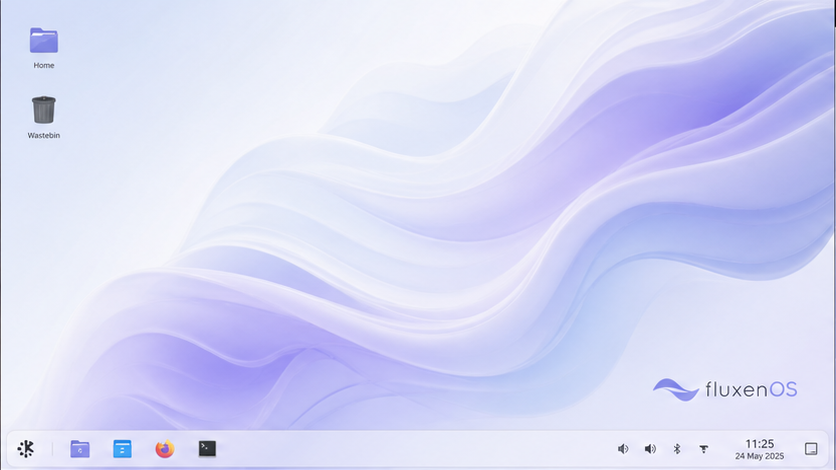
01Default live session
Fluxen KDE
Plasma with FluxenOS themes, panel layout, Dolphin, Konsole, and KDE applications.
FluxenOS / Beta 1 / x86_64
FluxenOS is a reproducible Archiso project with a customized KDE live environment and an experimental Calamares installer. It is early software made for testing—not a finished replacement for your daily system.
Current project status
FluxenOS layers its own configuration, branding, desktop choices, and installer over Arch Linux's maintained live-image profile.
It currently consumes Arch packages and repositories directly. FluxenOS does not yet operate an independent signed package repository, mirror network, or security team.
Install choices
The live image starts in KDE. The other environments are selected inside the installer.
Plasma with FluxenOS themes, panel layout, Dolphin, Konsole, and KDE applications.
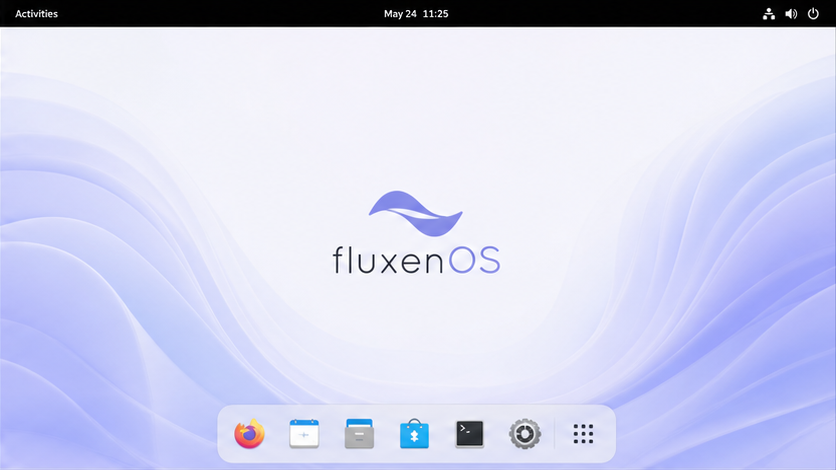
GNOME with Dash to Dock, Blur My Shell, a curated app set, and FluxenOS branding.

Hyprland configured to start Caelestia Shell. This card uses Caelestia's official upstream wallpaper instead of the inaccurate desktop mockup that was previously shown.
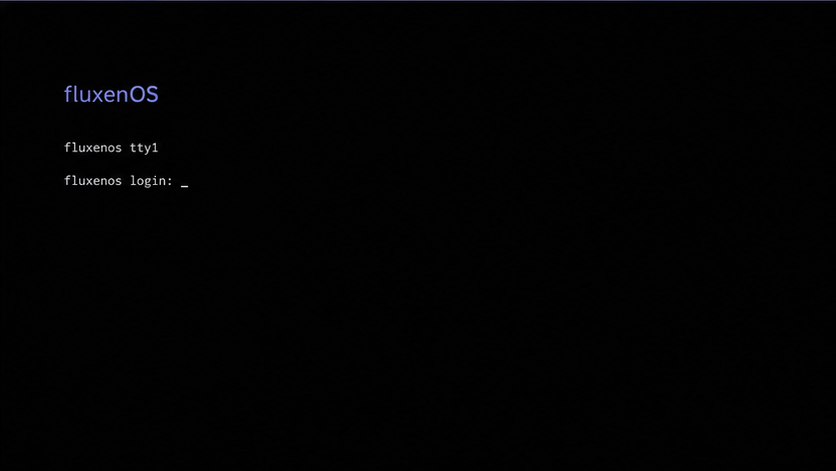
A console-only base with Fish, networking, pacman, hardware support, and GRUB. No desktop.
Inside the image
NetworkManager, common applications, FluxenOS wallpapers, and a desktop shortcut to launch Calamares.
Whole-disk, manual, and alongside options when Calamares finds a compatible, shrinkable existing system.
Linux firmware, Intel and AMD microcode, Mesa, networking, Bluetooth, PipeWire, storage tools, and optional NVIDIA or VM packages.
Very new, uncommon, proprietary, or vendor-specific hardware may still require manual work or may not function in the beta.
Before installing
The installation matrix is not complete. Use a disposable virtual disk first. If you test on a physical PC, make a verified backup and keep recovery media nearby.
Current public image
For evaluation and project feedback. The file is hosted on Google Drive, so your browser may warn that it is too large for Google's virus scanner.
Download 3.43 GiB ISONotes
Not yet in the full operational sense. It is an Arch-based custom live image that currently uses Arch repositories directly.
The ISO contains the live system and desktop payloads, but the current milestone describes the Calamares flow as an online installer. Use a working connection while testing installation.
No operating system can guarantee every device. FluxenOS includes a broad Linux firmware and driver baseline and offers additional packages, but compatibility depends on the exact hardware.
Partition changes always carry risk. The alongside option only appears when Calamares detects a suitable layout. Back up first and use manual partitioning only if you understand the disk.